Look closely.
Remember the colors in the stack, from bottom to top.
MEMORITO SUPPORT
A stack of colors. A moment to remember.
We’ll help you find your next move.
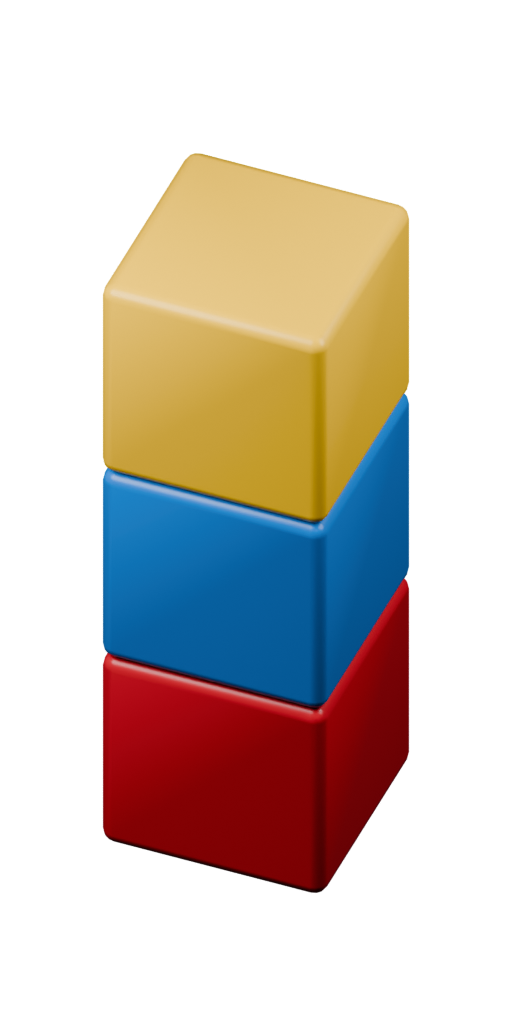 LOOK. REMEMBER. REBUILD.
THE BASICS
Remember the colors in the stack, from bottom to top.
The pieces disappear. Keep their order in mind.
Tap colors from bottom to top. Each tap commits a block; the last one checks your stack.
GOOD TO KNOW
Each correct round adds one to your score. A wrong answer ends the run. If a rewarded ad is available, you can choose to watch it for one continuation per run. Play Again starts a new run with the same difficulty.
Easy, Normal and Hard start at different points on the same endless difficulty curve. Each mode grows harder as you play and keeps its own personal best.
Personal bests are stored on this device. The current game does not provide account sign-in or cross-device progress sync. Deleting the app may remove these records.
Yes. Open Settings from the Home screen and use the Sound and Haptics switches. Your choices are saved on this device.
Note your iPhone or iPad model, iOS or iPadOS version, Memorito version (in Settings), and the steps that led to the issue. A screenshot can help; leave out any personal information.
The ad-supported release offers an optional rewarded continuation and occasional ads between rounds after at least three minutes of active gameplay. Read our privacy policy for data use and your choices. Where required, privacy choices are available in Memorito Settings. You can also manage tracking permission in iOS Settings; refusing tracking does not prevent play.
NEED A HAND?
For a bug, a question, or a bit of feedback.
Uygar Karakaya
uygarkarakaya@gmail.com
Please include your app version and device model when reporting an issue. Avoid sending sensitive personal information.